 lytti
a music player for people who own music
lytti
a music player for people who own music
Just the music you already own.
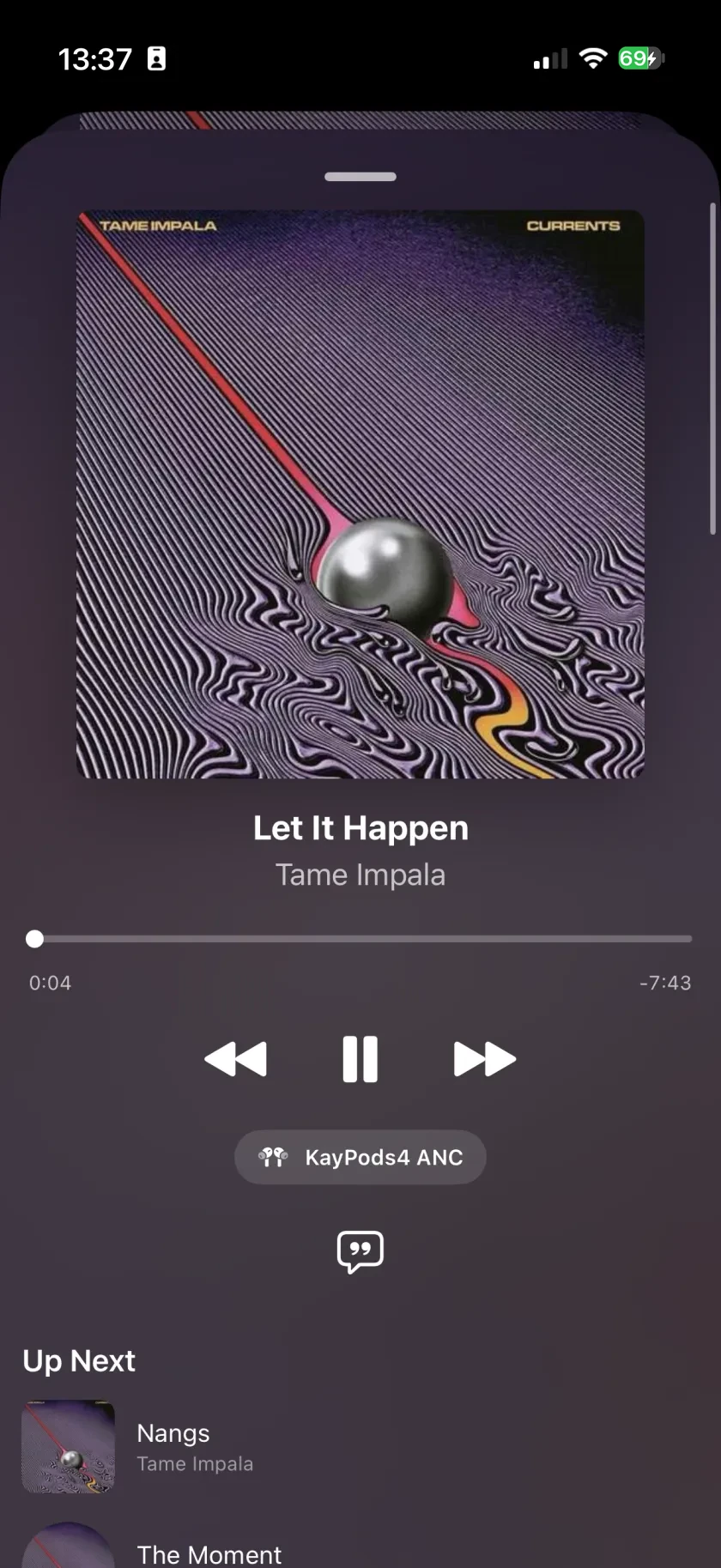
Features
six tracks, all on device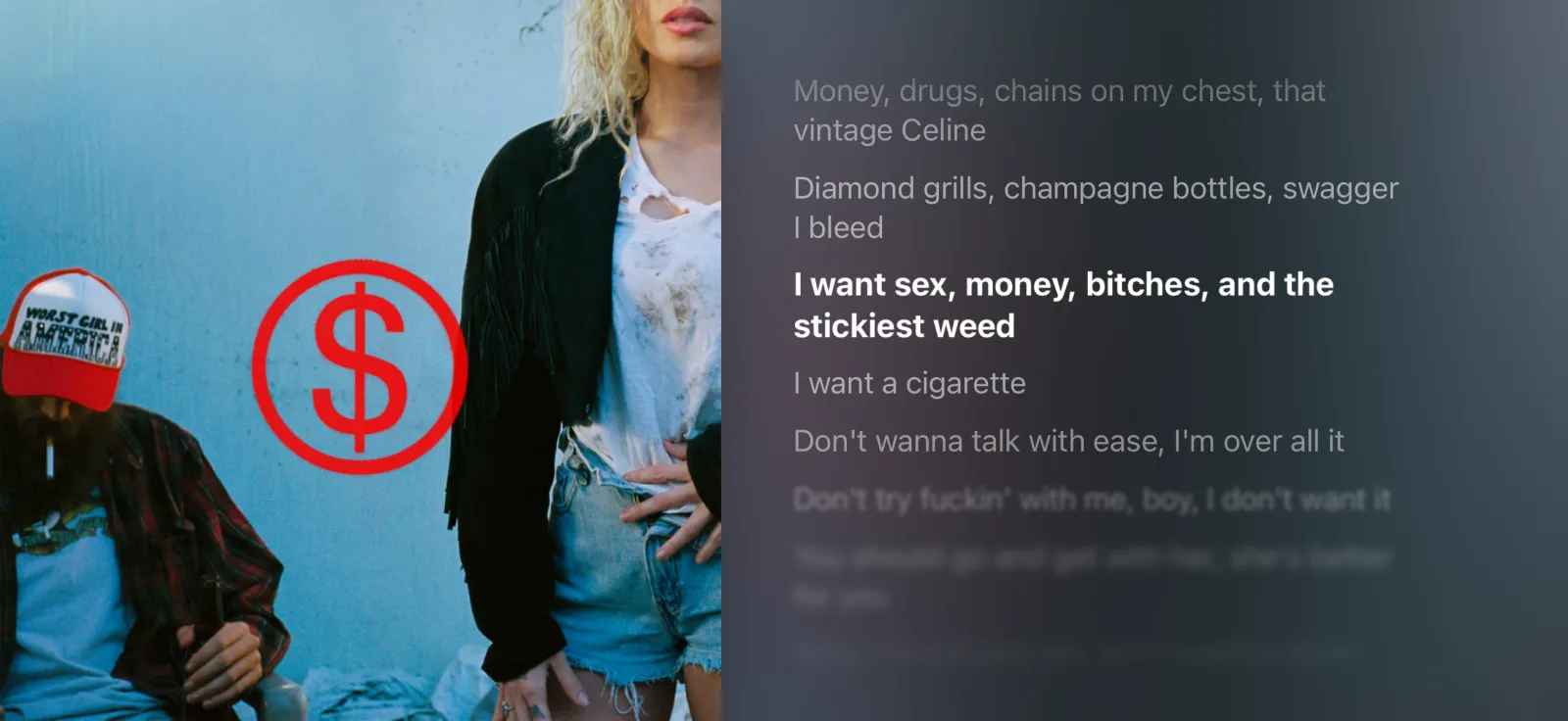
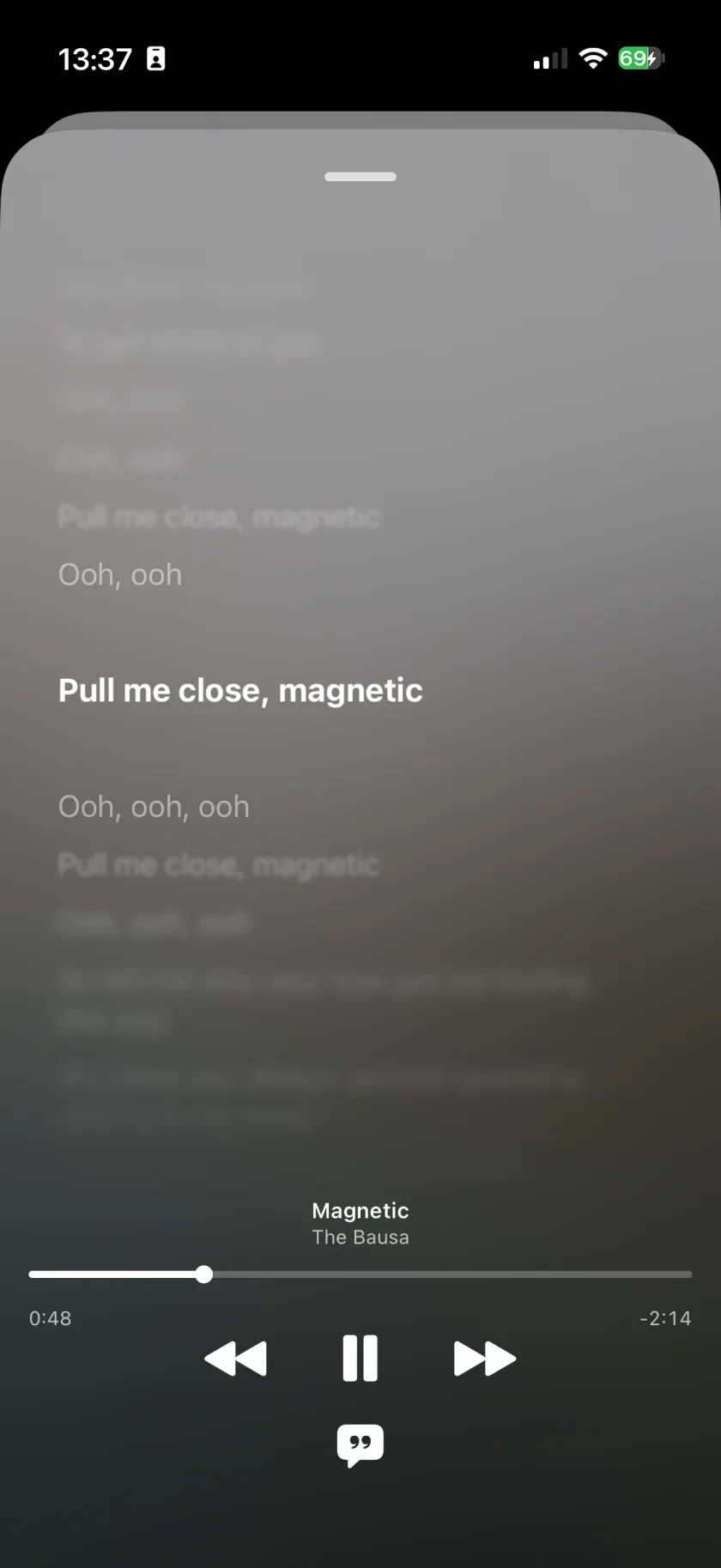
Karaoke-style lyrics that follow along as you listen. Portrait or landscape.
Flip between library views until it feels like yours. Fix titles, artists, covers - they're your records; edit them like it.
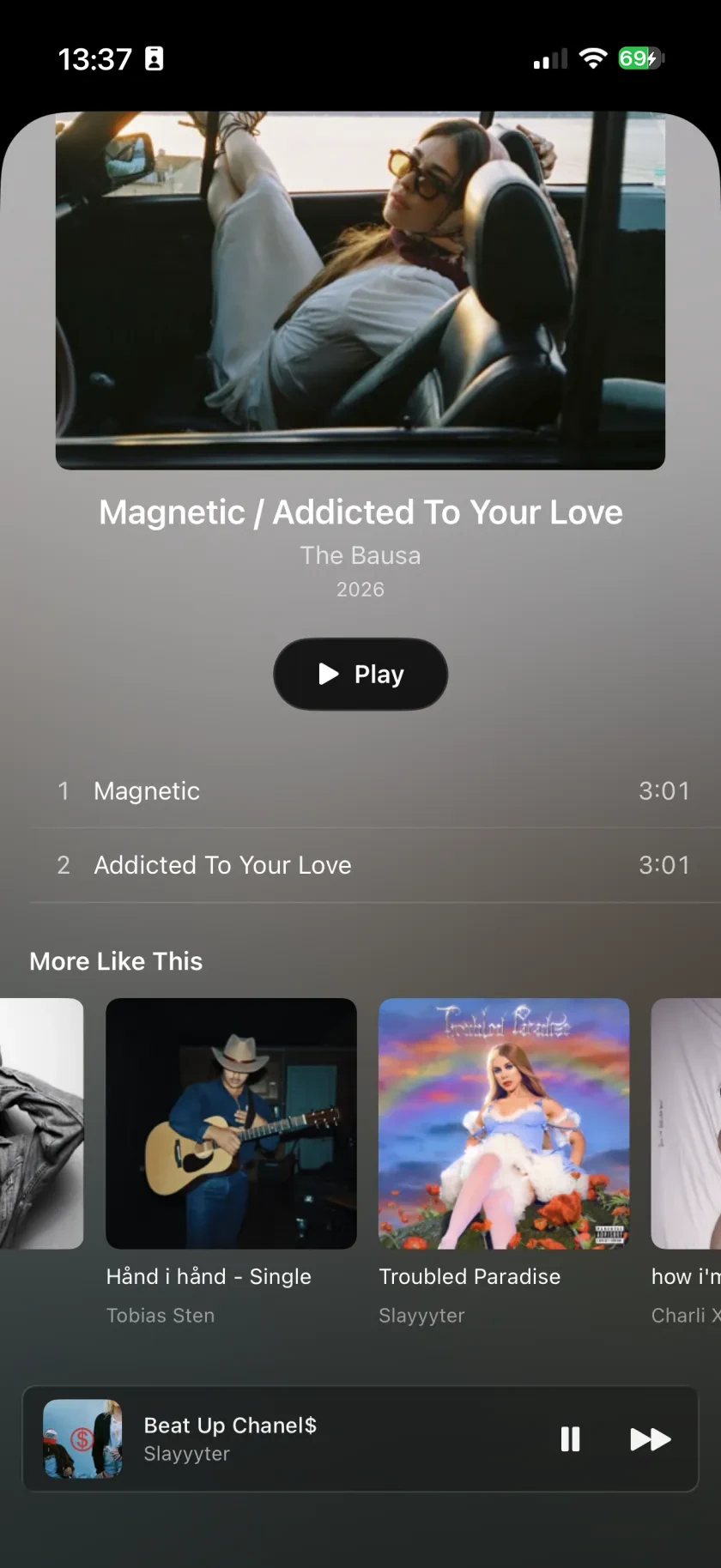
"More like this" - matched by the artists and genres already in your library. Computed entirely on your phone. No server ever hears what you play.
Why it exists
Apple Music is hostile to my own library. The search doesn’t find what’s on my phone, and the settings I want aren’t there.
So I made the app I’d rather use. On my phone, and on the media players I keep docked.
Kay Tomas
Fair questions?
A1Where do I get the music?
From the library you already have - your old MP3s, your ripped CDs, your old iTunes library. Want more? Buy albums on iTunes or anywhere else and import them into your Apple library, then sync them across; lytti picks them up like everything else. One catch worth knowing before you start: Apple's Sync Library setting and syncing from a computer cannot both be on - see A5.
A2Is FLAC supported?
Not yet, and whether it gets built depends on how many people ask for it - it's on the roadmap, planned for late 2026. If FLAC is your dealbreaker, tell me below.
A3Is it really free?
Yes, right now, in full - nothing is held back and there is nothing to buy inside it. Later versions will add a one-time unlock for people arriving then, never a subscription. Download it while it is free and you keep everything, forever.
A4Why can't I edit my playlists?
The ones you make in lytti are yours completely - name them, reorder them, add and remove songs, delete them. The ones that came over from the Music app are read-only, and that's Apple's rule rather than mine: an app is only allowed to change playlists it made itself. Getting round it would mean asking you to sign in to an Apple Music account, which is the whole thing lytti exists to avoid. So there's “Edit a Copy in lytti” instead - you get your own version to rearrange, and the original stays exactly as it was.
A5What if I use Sync Library?
Then your computer-synced albums aren't on the phone any more, and that's Apple's doing rather than mine: turning Sync Library on replaces them with your Apple Music library, and only what you've downloaded plays offline. lytti shows what the phone actually has, so the shelf looks the same in here. If those albums are the ones you care about, keep Sync Library off and sync from your Mac or PC the way you always have - that's the setup lytti is built around.
Roadmap
what has shipped, and what is comingOut now. The first release - free, no account, nothing to subscribe to.
ShippedThe months after it lands go on bug reports and the things you ask for below - making the release solid rather than bigger.
NowPin the records you keep going back to. One list, always at the top, instead of scrolling for the same album every day.
Next upMove your own FLAC files onto the phone and they sit next to the library you already have - one library, not two apps. It only gets built if enough people ask, and if it does it's a one-time purchase, never a subscription.
Q4 2026The same library on a bigger screen, not a separate app for each device.
Q1 2027When another device on your network is already playing, drive it from the one in your hand - see what's on, skip, pause, put something else on. Same Wi-Fi, same Apple ID, nothing to sign into.
Q1 2027Dates are intent, not a promise. Only the first row has shipped.